


Autobooks
Autobooks – A Better Way to Get Paid
Businesses, non-profits, and organizations can easily request and accept payments using our online banking!
We’ve partnered with Autobooks to make integrated invoicing and digital payment acceptance a standard feature of online banking. Designed specifically for small business owners, Autobooks is an accounting, invoicing, and payment solution. Send digital invoices, accept online payments and better manage cash flow directly using your existing TSB online banking account.
There’s no monthly fee when you turn on either feature. Save money with the low transaction fee of just 3.49% when you accept a payment via card. Pay just 1% when you accept payments via bank transfer .

Invoicing
- Send invoices online
- Schedule recurring invoices
- Automatically send reminders for past due invoices

Payments
- Get paid faster online
- Accept credit and debit cards, ACH transfers
- Low processing rates

Growth
- Better understand your cashflow
- Complete payment histories
- Increased flexibility
Send a Professional Invoice Right to Your Customer’s Inbox
Invoice & receive money, all in one place
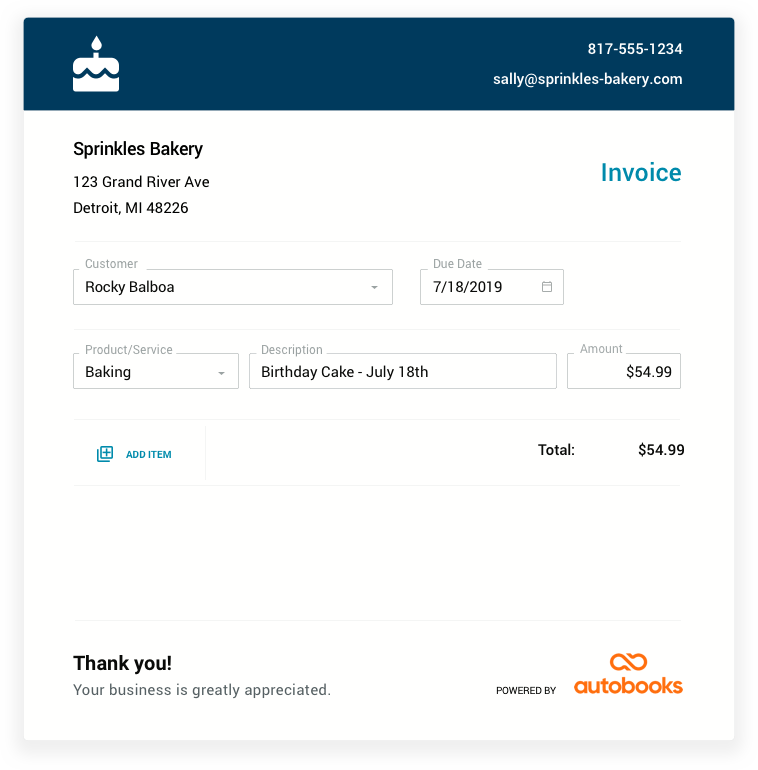
Instead of drafting invoices in Word and attaching them to emails, you can create and send great-looking invoices all from right inside online banking. Delight your customers with easy online payment options. Plus, the Send an Invoice feature automatically tracks who’s paid vs. who hasn’t — so you’ll always know who still owes you money.
Payments Go Right into Your Business Checking Account
Collect payments from anywhere, any time of day, directly into your bank account.
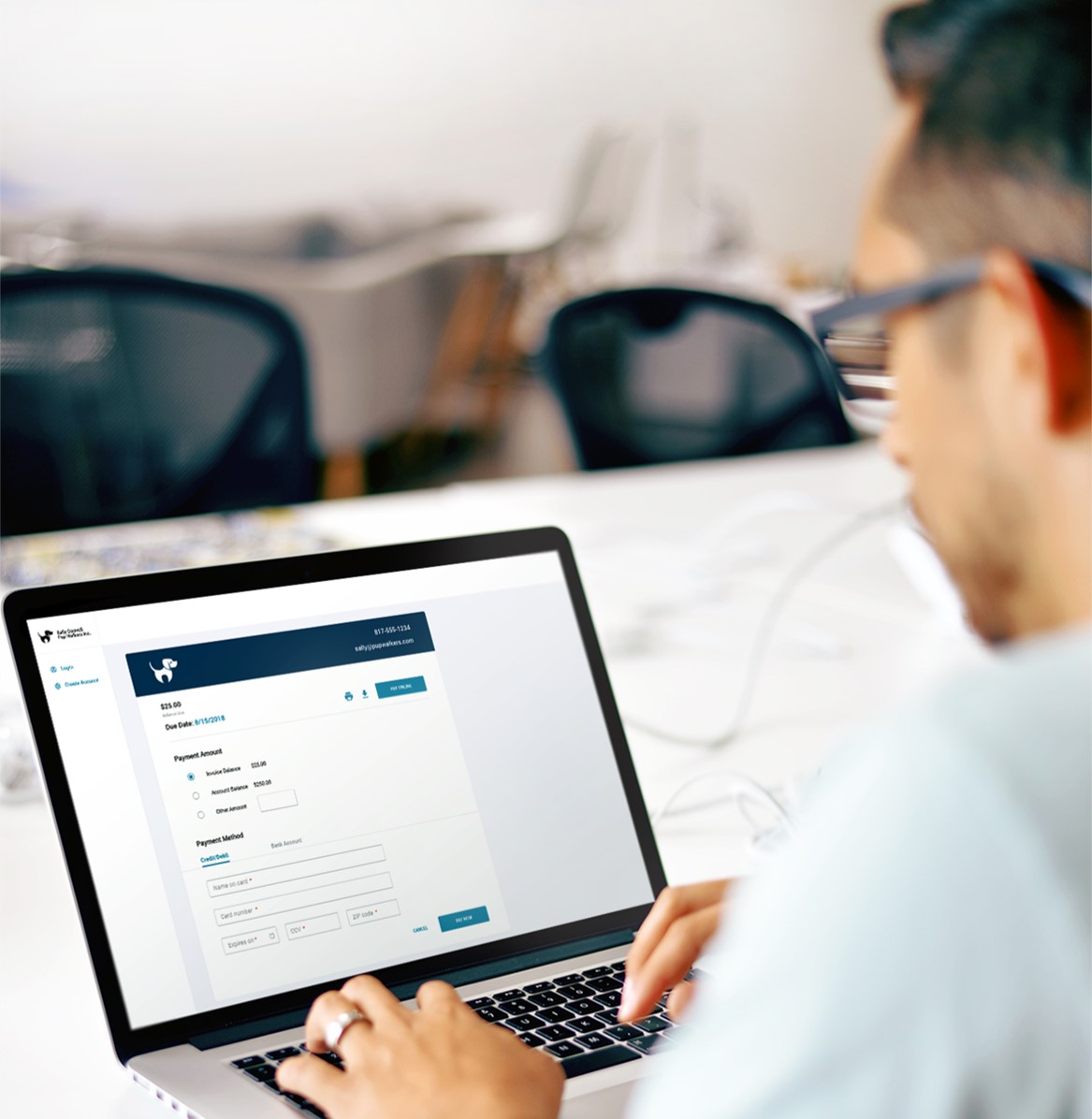
Never wait for a check in the mail again. With the new invoicing and payment features, you can get paid directly into your bank account in two business days. You can accept all major credit cards for the same low transaction fee and accept bank transfer payments too.
Accepting credit cards shouldn’t be overkill. With the Accept a Payment feature, there’s no third-party tool needed like PayPal or Square. Ask for payment as easily as sending a link. Your customers will pay you online, from their computer or phone, at any time of day or night.
Enroll today with these easy steps:
- Log in to online banking
- Click Send an Invoice or Accept Payment Now
- Agree to terms and conditions
- Complete enrollment form
- Send your first test invoice or payment link

Send An Invoice
Accept A Payment
*There’s no monthly fee when you turn on either feature. Save money with the low transaction fee of just 3.49% when you accept a payment via card. Pay just 1% when you accept payments via bank transfer.
Have Questions?
Looking for help or have questions about Autobooks? Call our Customer Service Center at 888-303-4TSB or fill out the form below!